Mitti by SafetyCulture
Pricing
Log inSign up for free
  1. Home
  2. Checklist guides
  3. Operations
  1. Home
  2. Checklist guides
  3. Operations
Mitti by SafetyCulture

The way the world works

Follow us

App Store
Google Play

Product

  • Pricing
  • Book a demo
  • Product updates
  • Mitti (by SafetyCulture)

Support

  • Help center
  • Contact us
  • API developer documentation
  • Digitize your checklist

Resources

  • Content library
  • App & software guides
  • Checklist guides
  • Topic guides
  • eBooks
  • Blog

Company

  • About
  • Careers
  • News room
  • Meet the leadership team
  • Events & webinars
Copyright © 2026 Mitti
StatusLegalPrivacyTerms & ConditionsSecurity

SafetyCulture has a new name. Say hello to Mitti. Learn More.

Powered by

Project Status Report Template

Ensure project deliverables and keep stakeholders informed with a mobile app to complete reports and view data online.

Rated 4.6/5 stars on Capterra | 3k+ app store reviews
Use templatePreview template
Project Status Report Template
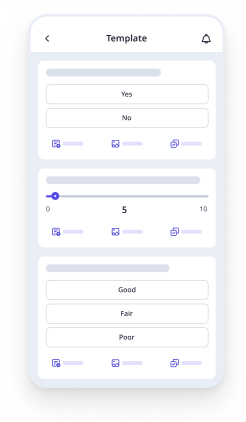
Mobile Preview
See the template in action (opens in new tab)

This project status report template, sometimes called a rag report template, can be used regularly to track the progress of a business project. This template can be used by project managers and inspectors to document status on project performance areas: time, quality and budget, and determine roadblocks along the way. The template was converted using Mitti (by SafetyCulture) and can serve as a guide for inspectors to perform the following:

  1. Provide details on the project performance areas if the current status was behind, slipping or on track.

  2. Document roadblocks, risks and potential hazards identified.

  3. Create a summary of the project status by providing a completion rate: 25%, 50%, 75% and 100%.

  4. Validate audit by affixing a digital signature.

  5. After conducting all project status reports, you can export all your audits as CSV and then transfer data in a separate sheet to have an overview of the project.

Project Status Report Template
Mobile Preview
See the template in action (opens in new tab)

Why Mitti digital checklists?

  • Free to use for up to 10 users

  • Eliminate paperwork with digital checklists

  • Generate reports from completed checklists

Use template
  • What is a Project Status Report?
  • 5 Benefits of Using a Project Status Report Template
  • Main Elements of a Project Status Report Template
  • How to Use a Project Status Report
  • Sample Project Status Report PDF
  • How Byblos Construction Reports Project Status Efficiently
  • FAQs About Project Status Report Templates

In this article

  • What is a Project Status Report?
  • 5 Benefits of Using a Project Status Report Template
  • Main Elements of a Project Status Report Template
  • How to Use a Project Status Report
  • Sample Project Status Report PDF
  • How Byblos Construction Reports Project Status Efficiently
  • FAQs About Project Status Report Templates

Eliminate paperwork with digital checklists

Skip the setup and get to work in seconds.

Use template

Article by

Jona Tarlengco

|

4 min read

|

23 Apr 2024

What is a Project Status Report?

A project status report template helps track and document the progress of a business project. Project managers prepare these reports to assess key factors such as time, quality, and budget by providing an overview of completed tasks, upcoming actions, and the current project status.

A RAG report is a type of project status report that uses color coding to show project health at a glance. Red means there's a critical issue that needs immediate escalation. Amber signals a problem the team can still manage. Green means everything's on track. It's a quick, visual way to keep stakeholders aligned.

5 Benefits of Using a Project Status Report Template

The purpose of project status reports is to ensure that objectives and deliverables are being met and that key stakeholders are kept informed. These reports can be done daily, weekly, or monthly throughout the life cycle of a business plan. Here are the top 5 benefits of using project status reports in your organization:

  • Develops a good communication system within teams;

  • Keeps stakeholders informed and updated about the progress of the project;

  • Streamlines reporting processes;

  • Enables actions to be taken on risks and potential hazards identified; and

  • Improves support systems needed to achieve goals

Main Elements of a Project Status Report Template

While formats can vary by team or industry, there are core elements that ensure your report gives stakeholders a complete, consistent picture of where things stand. A thorough project status report covers the following:

  • General project information: Includes the project name, people involved, timelines, location, and project owner to set the context upfront.

  • Project metrics: Numbers that measure progress against goals. These should be defined during the planning stage for consistent tracking.

  • Issues, risks, and problems: A log of issues detected, their severity, project impact, and recommended actions or solutions.

  • Milestone review: A record of major project phases completed, showing meaningful progress beyond individual day-to-day tasks.

  • Project status: An overall health rating using the RAG system (Red, Amber, or Green) across key areas like budget, quality, and timeline.

  • Project summary: A brief wrap-up of progress made, costs incurred, outstanding issues, and recommended next steps.

How to Use a Project Status Report

Step 1: Define your reporting purpose and audience. Get clear on who this report is for and what they need to know. Leadership needs a high-level overview, while the delivery team benefits from detailed task updates and next steps.

Step 2: Set up your KPIs during the planning stage. Agree on the key performance areas before the project kicks off. Setting these early makes your reporting meaningful and comparable across periods.

Step 3: Use a standard template for every report Using the same template each time makes it easier for stakeholders to scan and act on. It also significantly reduces prep time.

Step 4: Gather your data and fill in the report.Pull the latest updates across tasks, milestones, budget, and risks using your project monitoring and control process. Stick to what's relevant; if a stakeholder wouldn't act on the information, it probably doesn't belong in the report.

Step 5: Assign your RAG ratings. Rate each key performance area using Red, Amber, or Green. The value of the RAG system comes from its accuracy, so make sure to provide an honest evaluation.

Step 6: Review for accuracy before sending. Cross-check all figures against your project tracking tools. Inaccurate data, even if unintentional, can erode stakeholder trust quickly.

Step 7: Share the report and keep the communication going.Distribute through a consistent channel so stakeholders always know where to look. If you have a status meeting, use the report as the agenda to keep the conversation focused.

Sample Project Status Report PDF

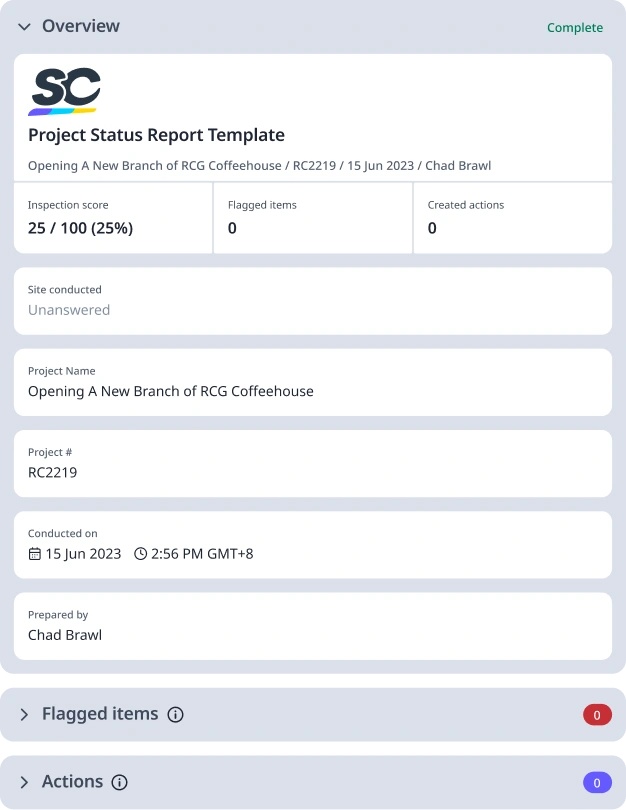
See what a completed project status report looks like in practice. Use the sample below as a reference when filling out your own report for the first time.

Sample Project Status Report

Preview Sample Project Status Report
How Byblos Construction Reports Project Status Efficiently

byblos constructions safetyculture customer story

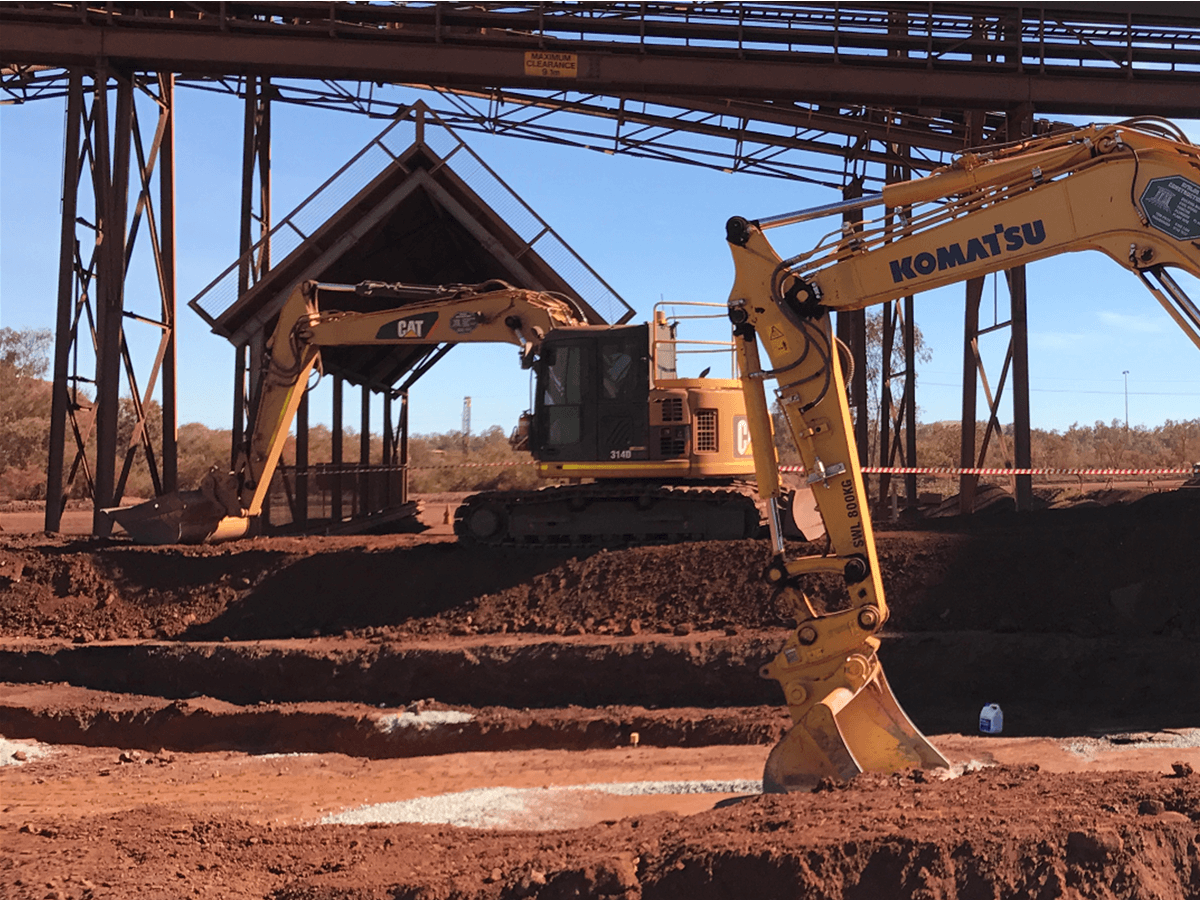
Byblos Constructions cut report compilation time by 50% and saved 20–30 hours weekly after ditching paper-based project reporting for Mitti (by SafetyCulture) across 8 remote mining sites.

byblos constructions mitti customer story
Read success story

Content library templates

Still looking for a checklist?

Search, filter, and customize 60,000+ templates across industries and use cases.

Browse Library

FAQs About Project Status Report Templates

JT

Article by

Jona Tarlengco

Mitti (by SafetyCulture) Content Specialist

View author profile

Related resources you might like

Templates

Powered by

Construction Project Status Report Template

This construction daily report checklist can be used to record the activities for the day in a construction site or project. Provide details about the job such as weather, workforce, instructions given, delays, and materials. Record any risks or potential hazards and include photos. Document any inspections that happened and you can also record visitors who are present on-site. Validate the report by including a digital signature of the foreman or site supervisor.

View template in library

Powered by

Weekly Project Status Report Template

This project status report template can be used as a report on job progress for site projects. This template was built by one of Mitti (by SafetyCulture)’s clients, the Miller Electric Company, and was converted using Mitti (by SafetyCulture). Use this template to provide a comprehensive weekly project status report. This template contains relevant questions about the personnel, project phases, schedules, postings, safety protocol compliance, and overall project status.

View template in library

Articles

Recreation Management Software

Explore top recreation management software to streamline operations, enhance user experience, and simplify managing recreational activities.

Learn more

Transportation and Logistics: What’s the Difference?

Learn about the importance of transport and logistics within the supply chain and how it is used in business operations.

Learn more

Focus Group Template

Get free focus group templates from Mitti (by SafetyCulture) to plan, run and report on structured group discussions digitally.

Learn more