Contractor Management
Prequalify, onboard, and monitor contractors in one place. See what’s done, what’s missing, and get safe, job-ready workers on site faster, with less admin and lower risk.
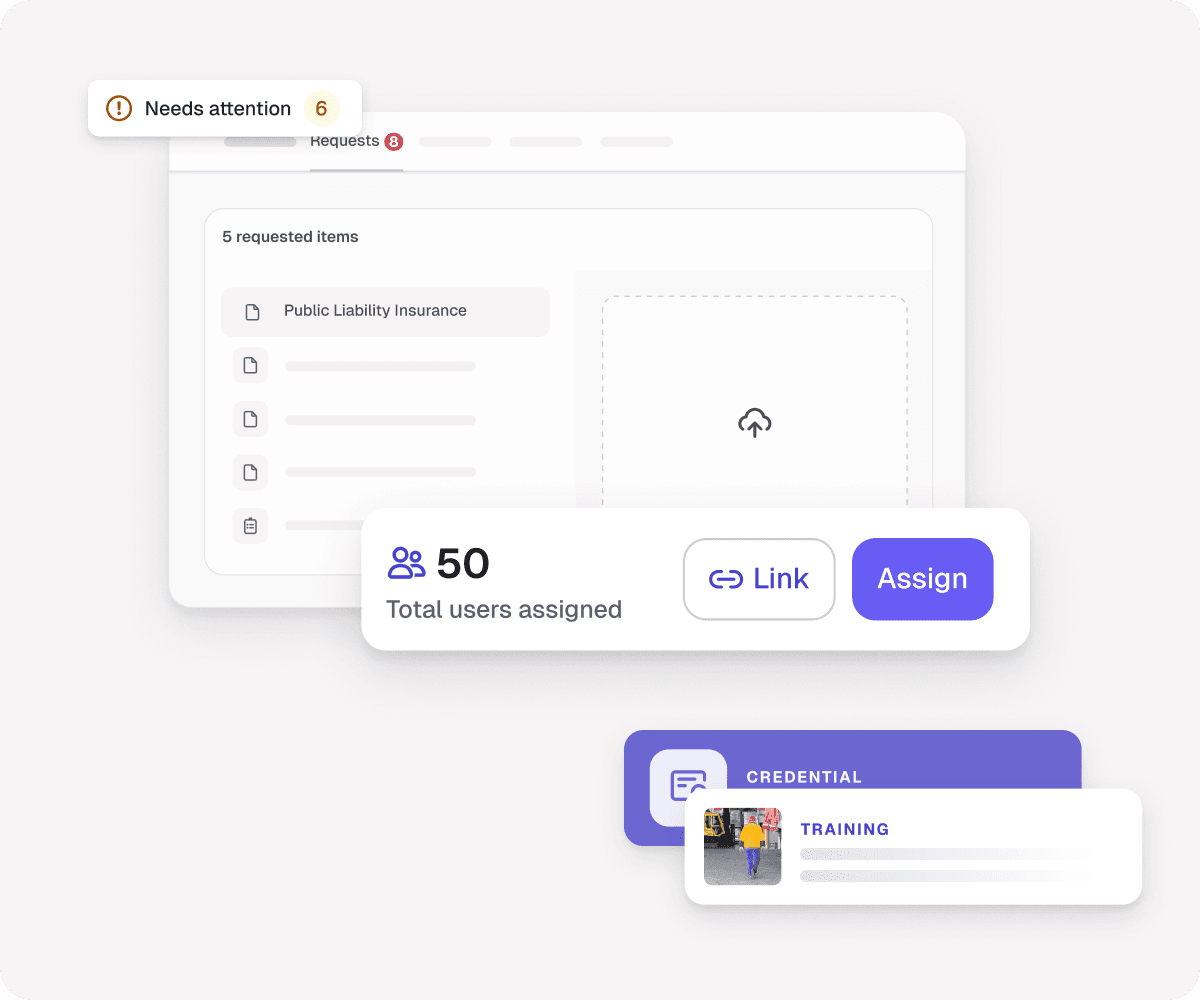

Select the documents you need and assign them to contractors. Choose the credentials and training workers must complete.

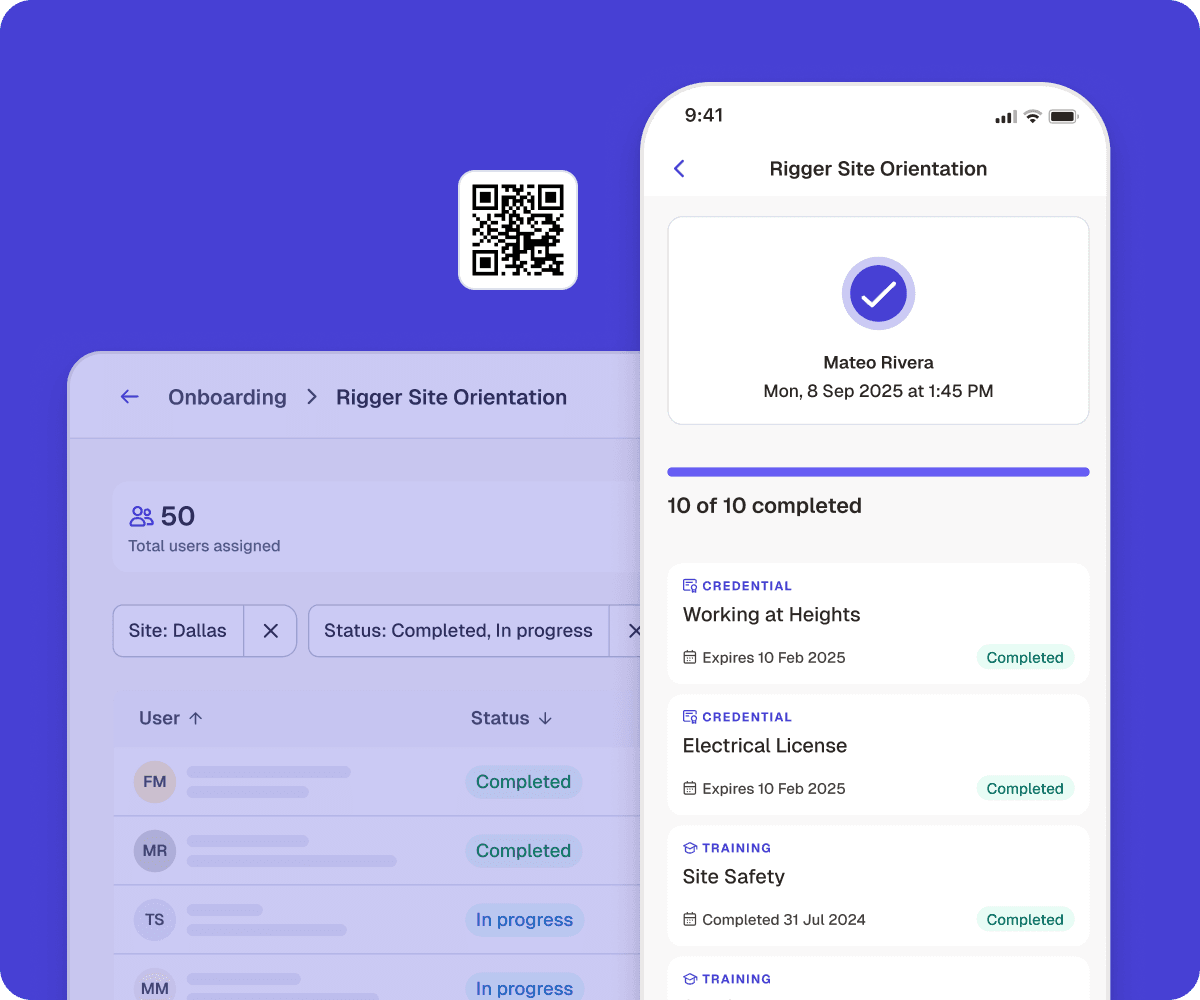
Contractors upload the required paperwork. Workers scan a QR code to complete inductions on their phone.

Review and approve submissions. Track what’s done, what’s missing, and who’s site-ready — all in one app.
Everything in one place
Company and worker credentials, insurance, training records, and inspection results all live in a single profile
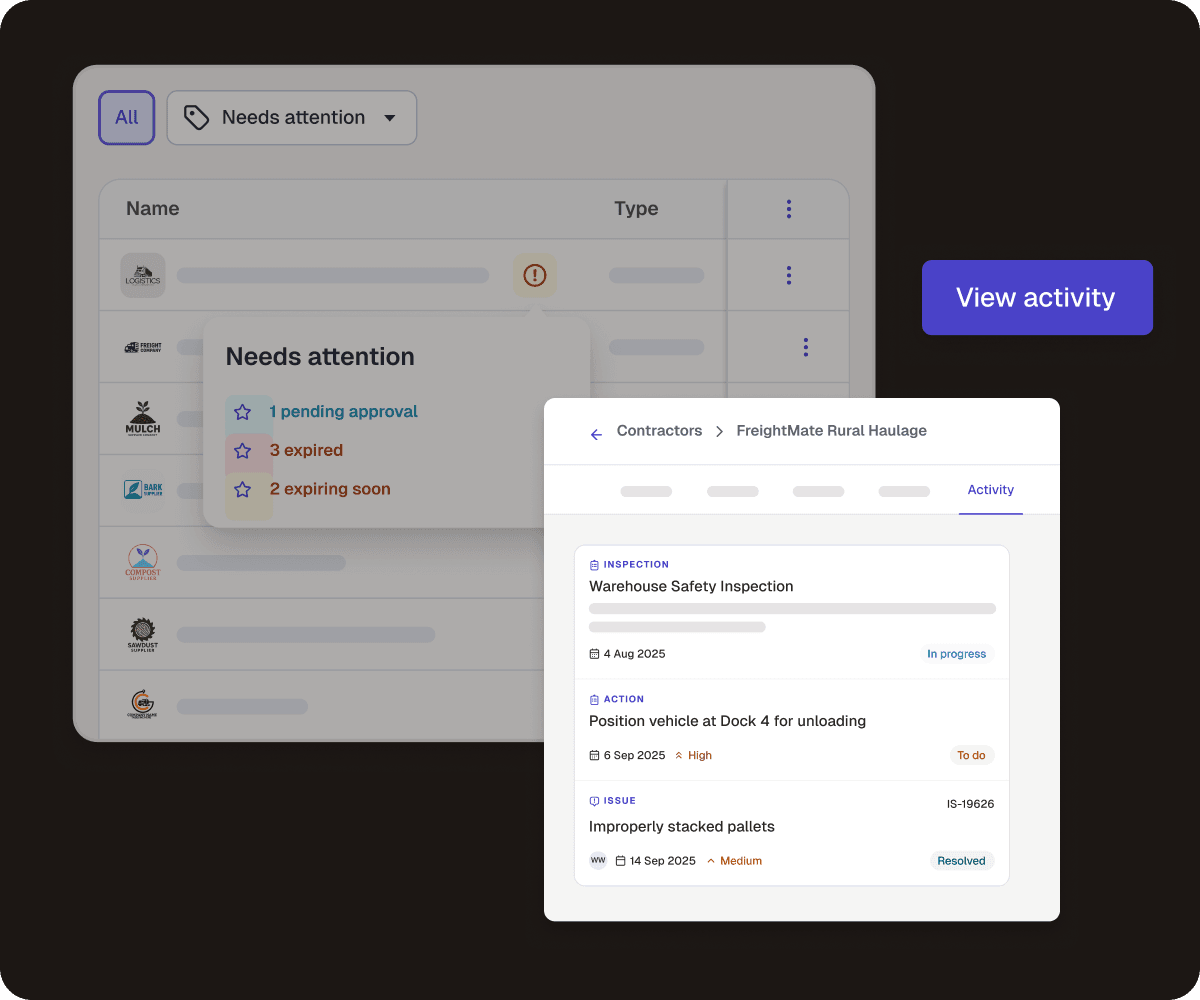
Spot compliance risks at a glance
Quick filters show missing, expired, or pending documents so you can act fast and stay compliant
Clear audit trail
Every inspection, action and non-conformance is automatically linked to the right contractor company

Request company documents or supply forms for contractors to fill in. Contractors are prompted to upload, you review and approve.

Set required credentials, training, and site-specific inductions. Track progress live so nothing slips through the cracks.

Track insurance and licenses in one place, with filters that flag lapses before they happen — so you’re never exposed during a live job.

Keep a centralized, searchable record of every contractor company, linking documents, workers and activity.

Contractors keep their records up to date with automatic reminders to renew, so you cut the admin load.

Contractors complete inductions and upload credentials in the same app they use on site —cutting app switching and delays.

Set who can view, upload, and manage contractor information, and assign key contacts to keep it current.

Insurance certificates and safety policies get reviewed automatically. AI flags what needs attention and recommends a decision.
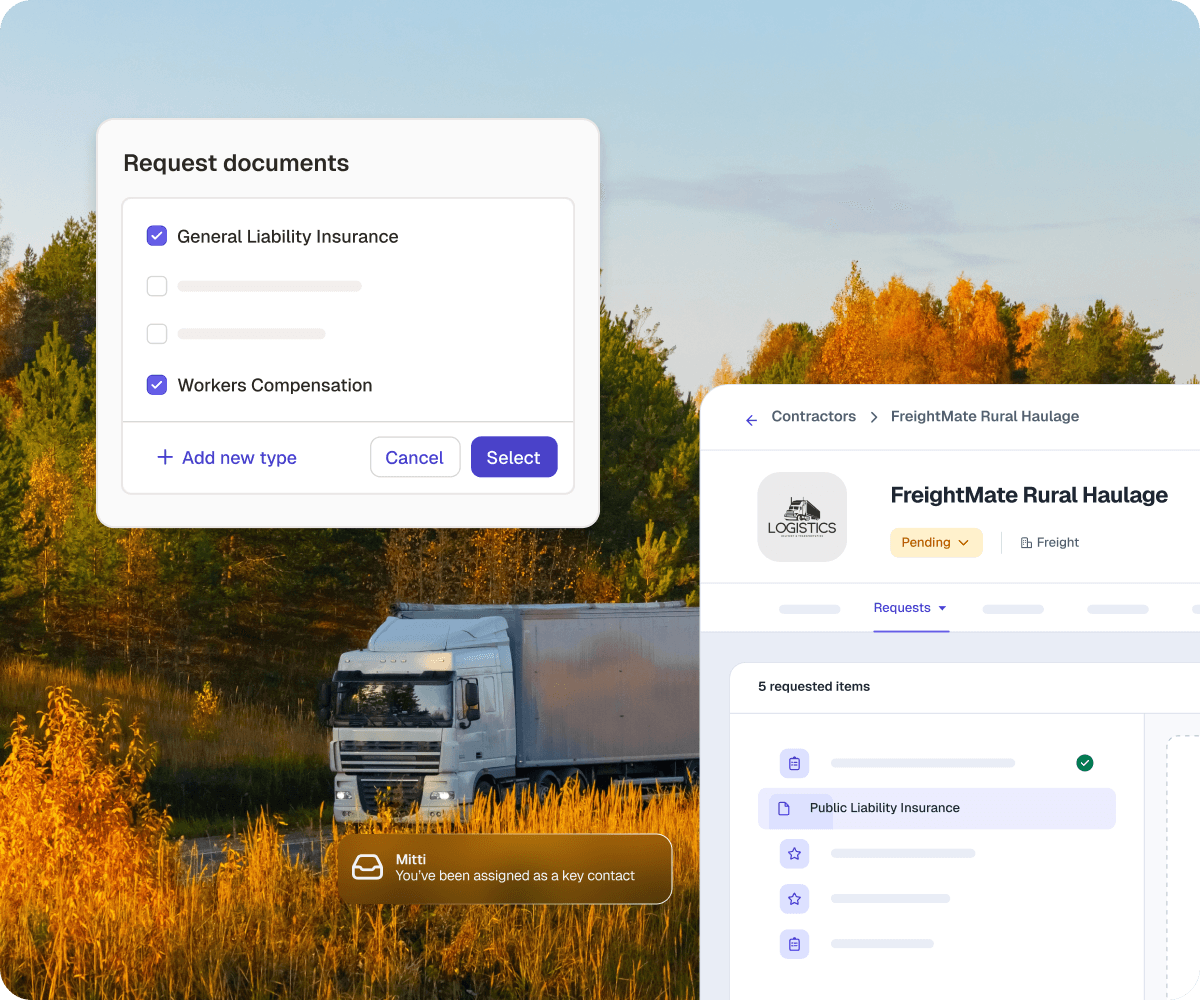
Request information with ease
Pick from existing document types, create new ones on the spot or upload your own forms for contractors to complete
Delegate without losing control
Assign a key contact at each company to upload and maintain documents. They’re automatically notified while you stay in control.
Faster, smoother approvals
Streamline reviews with automatic checks that flag incorrect documents. Reject incomplete submissions with a quick note for fast resubmission.
Training
Always ready
Configurable onboarding ensures no contractor starts without the right licences, training, or inductions.
Live tracking
Track progress live and see at a glance what’s complete or missing.
On-the-go compliance
Contractors sign up with a QR code, complete inductions, and update records on their phone, keeping the job moving.
AI
Single source of truth
Manage contractors in the same platform as your safety and operations tools. Cut out extra systems and save hours of manual work.
Digitize any audit and process in a few clicks
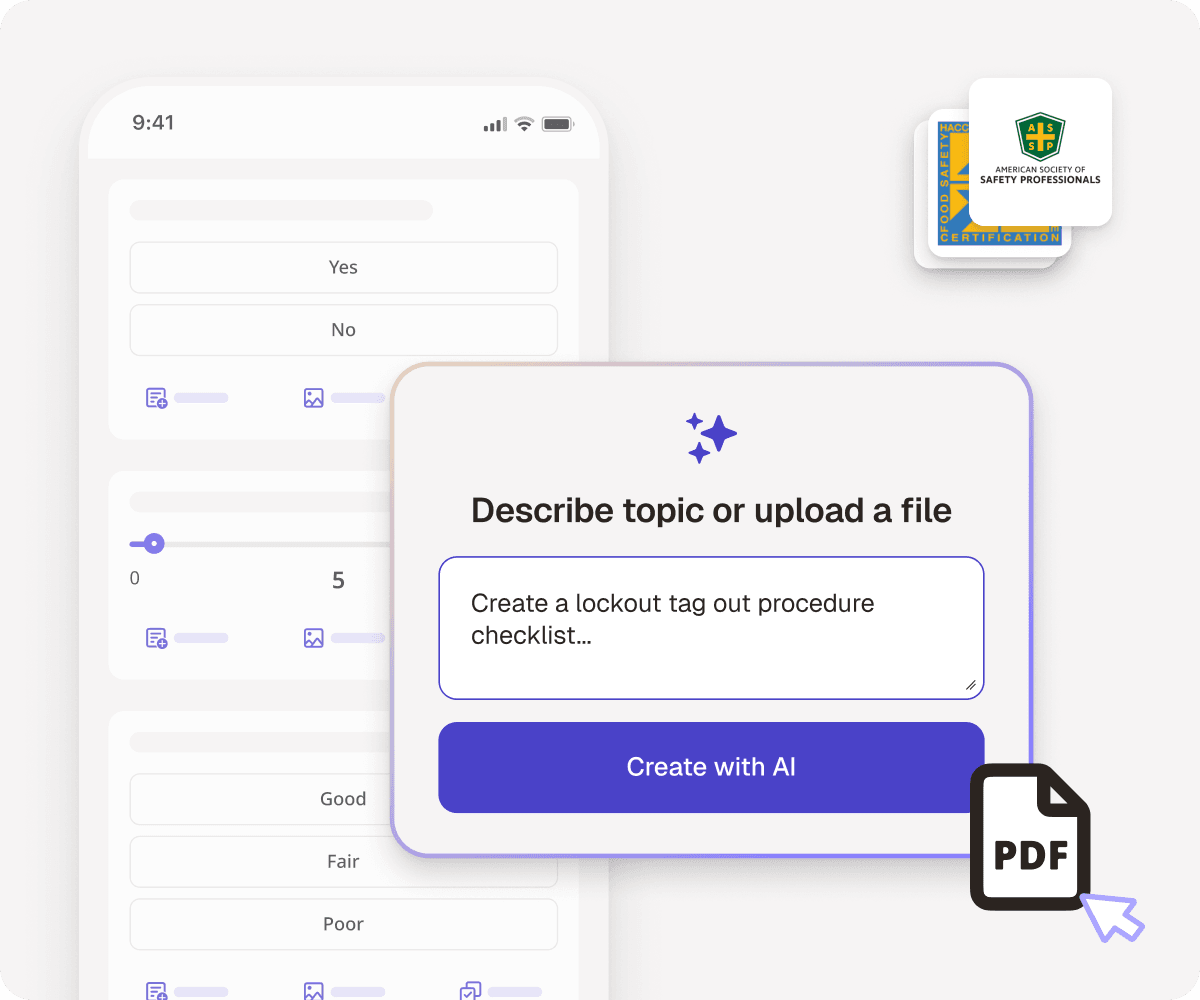
Digitize permits-to-work, job hazard analysis, and lockout tagouts to reduce risk and keep contractors safe on-site.
Answer credential questions in seconds
Spot issues early by asking the AI Assistant which licences and credentials are valid, expiring or awaiting approval. No more digging through lists.
Capture issues in a snapContractors scan a QR code on site to report a problem, and AI Issue Creation turns it into a detailed report in seconds, logged straight against their profile.

Simple to use and quick to roll out. It’s part of the platform your teams already know.

Skip long implementations and pricey add-ons. Get value fast, without the complexity.

Track compliance across sites, spot gaps early, and act with confidence.
